-
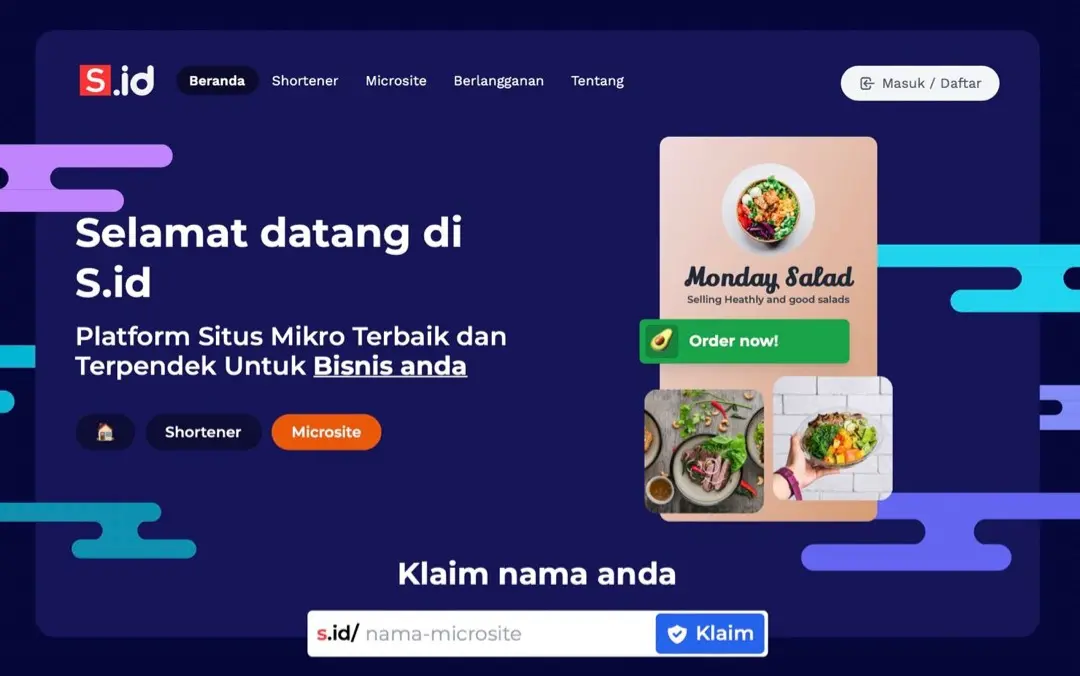
visit https://s.id/
-
click sign in/register
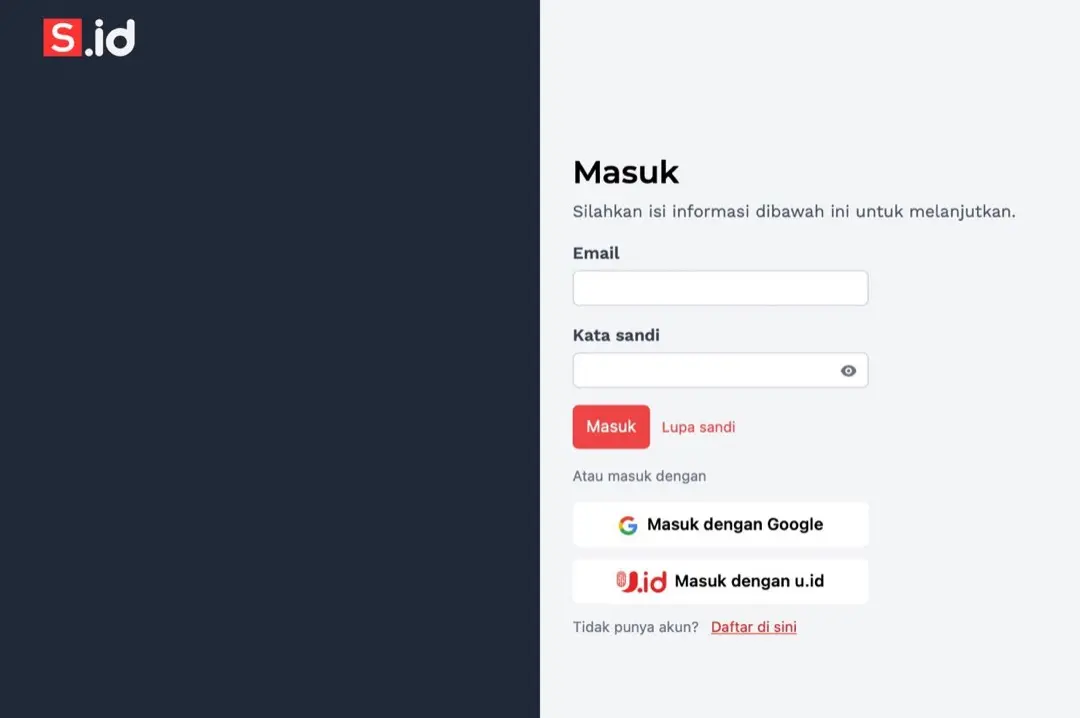
- Enter your email and password if you have created an account. or you can directly click sign in with google
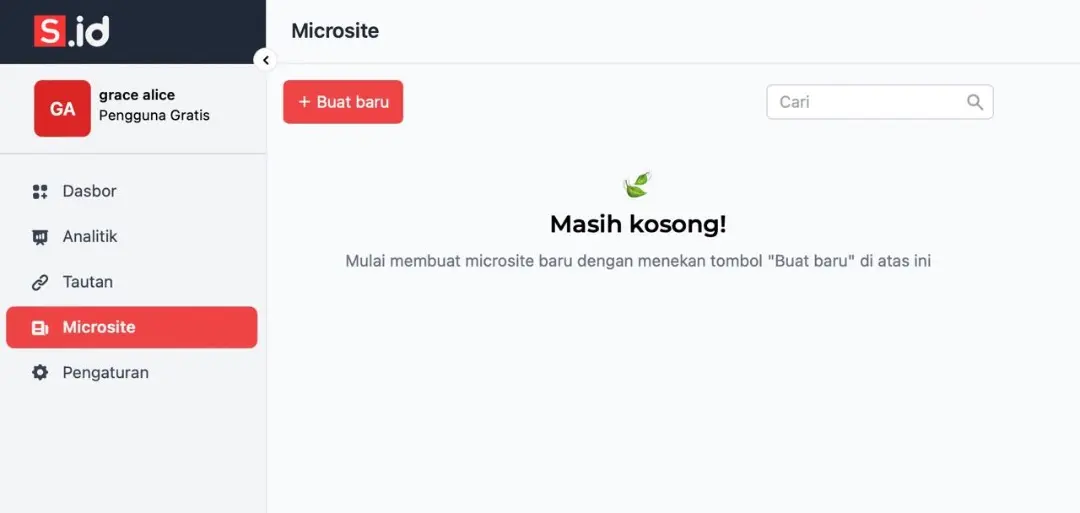
- in the right bar select microsite and click create new
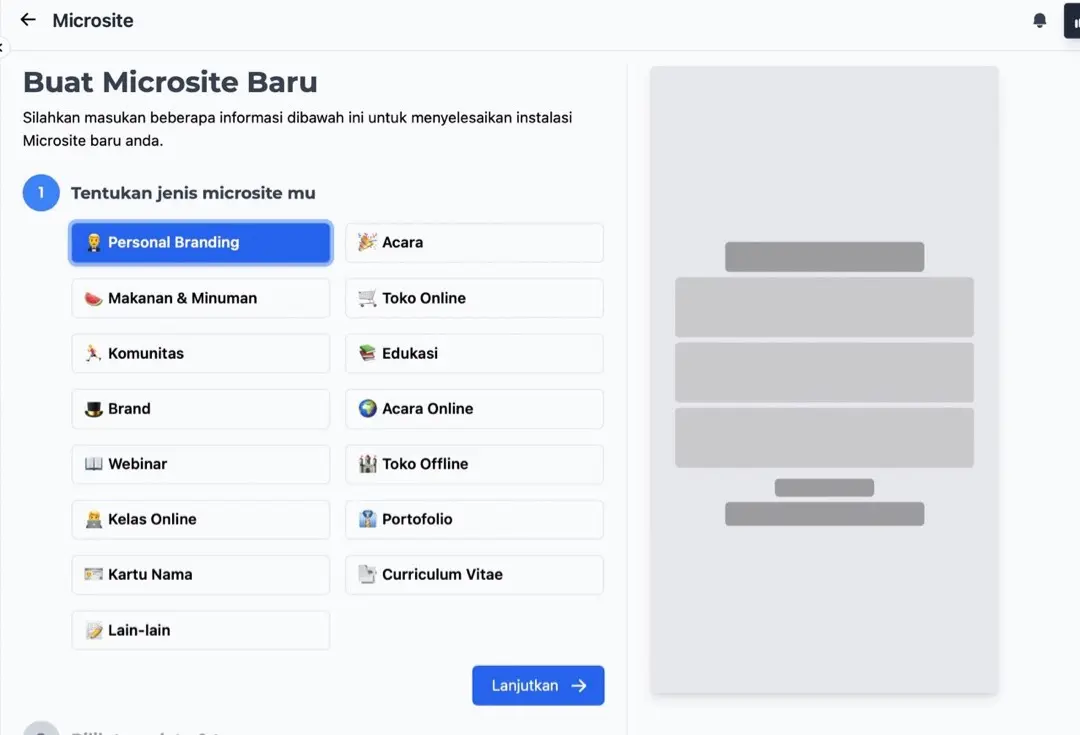
- Determine your microsite type
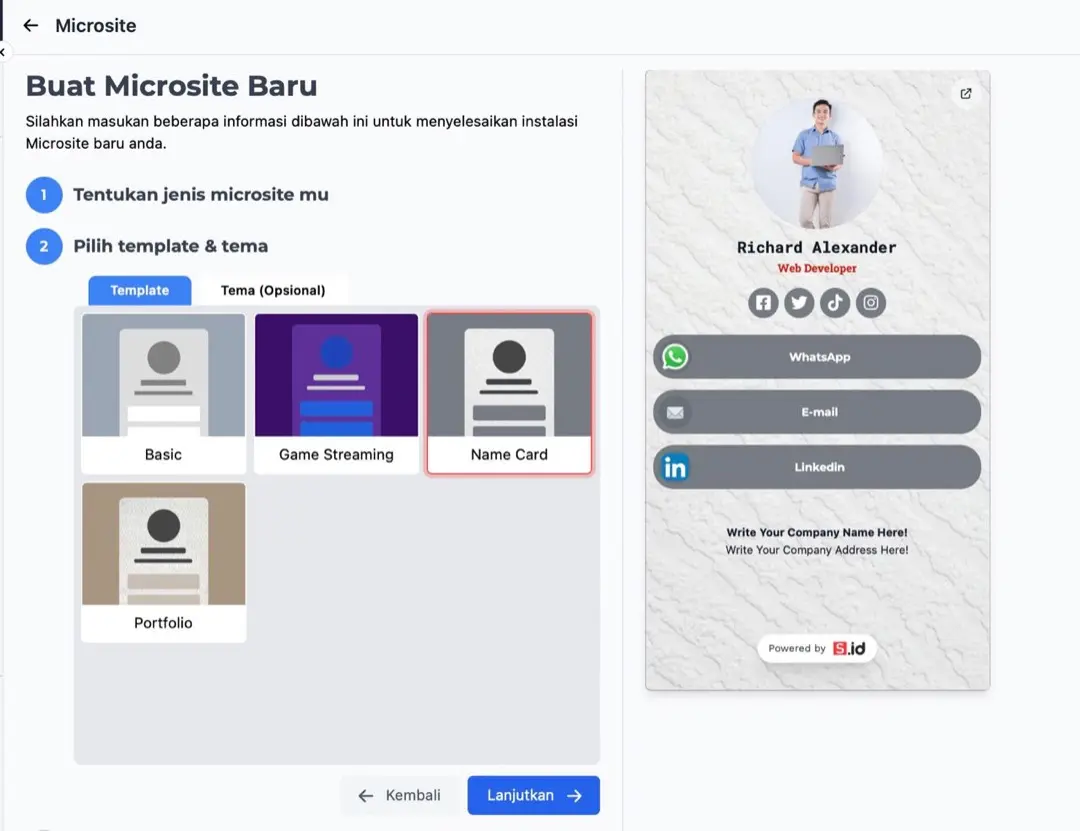
- Choose a template and theme
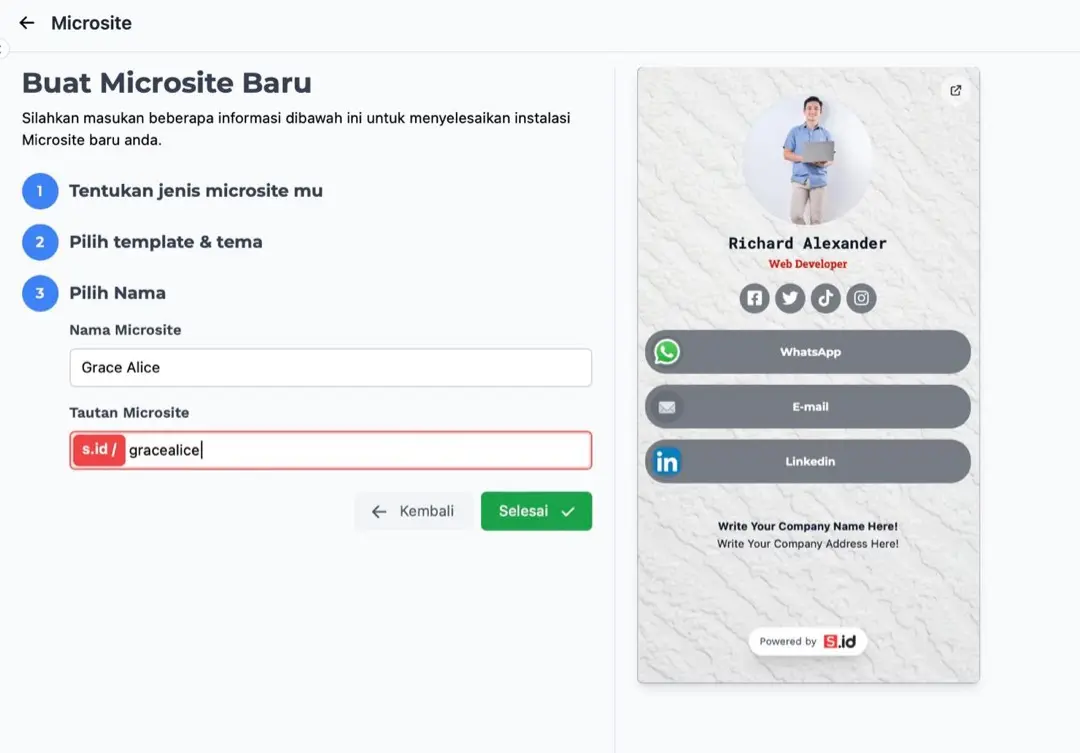
- specify the microsite name and microsite link (microsite link serves as the url to be shared)
- start editing by filling in the information you want to share
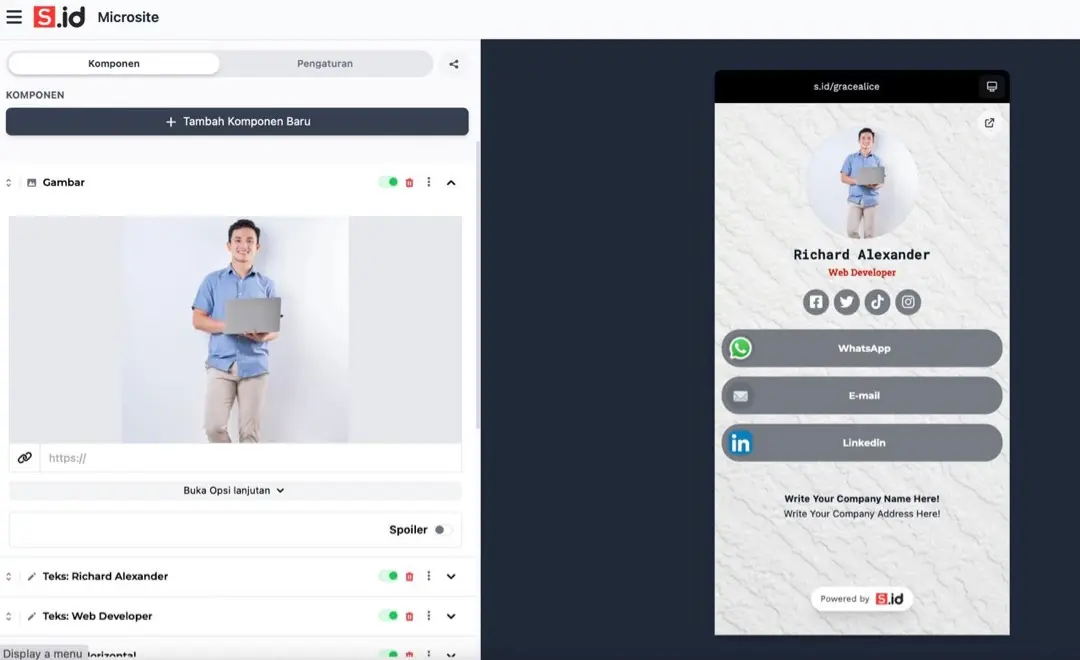
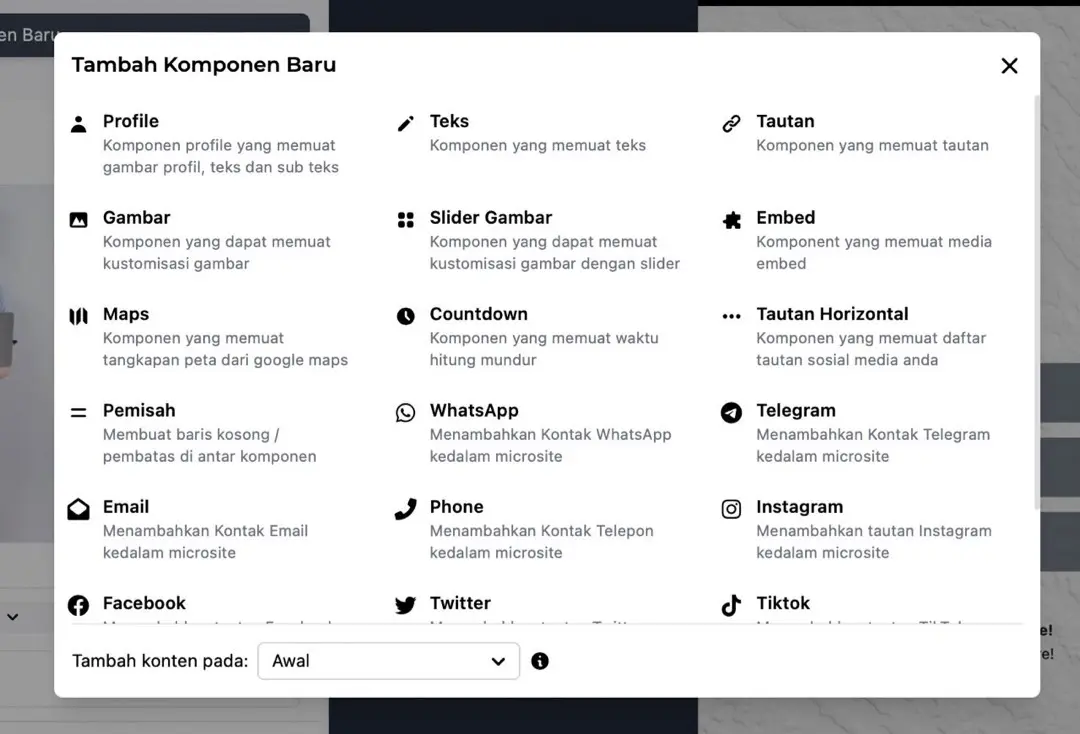
- click add new component to add additional components